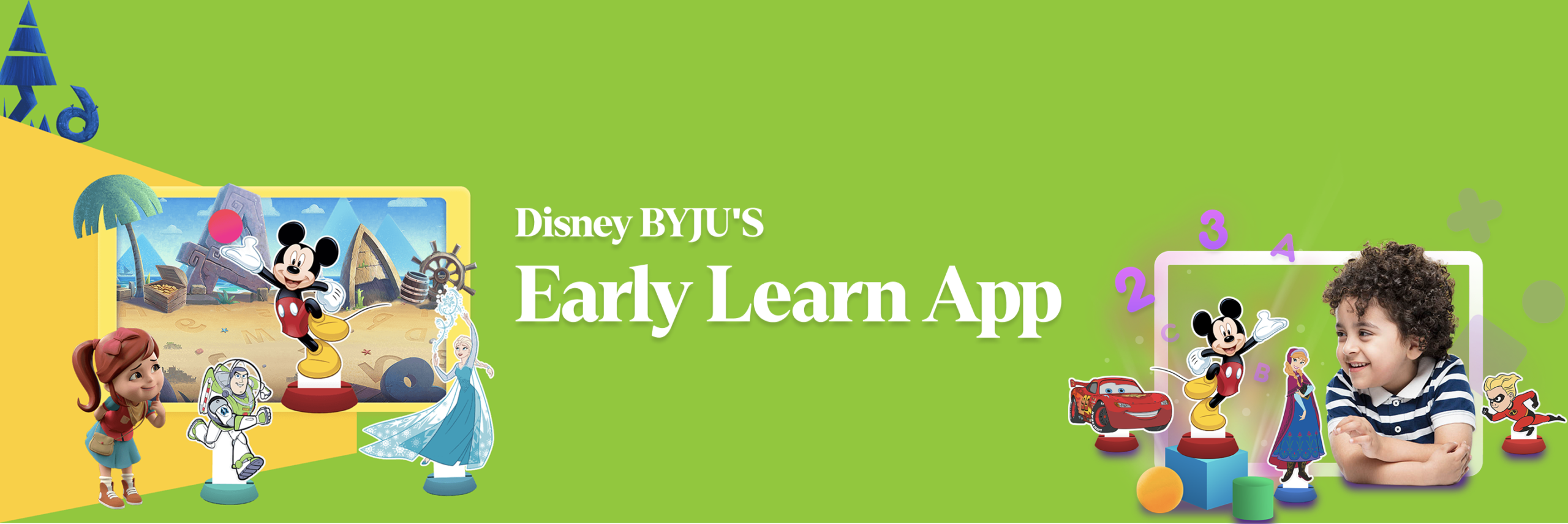
Designing a curriculum-based learning platform for children aged 3-8 in collaboration with Disney India
Overview
Timeline: 16 months (2018–2019)
Team: Design Director, UX Lead, Product Managers, Game Designers, Engineers
Collaboration: Disney India & BYJU’S internal teams
Platform: iOS & Android
Model: Subscription-based (B2C2C – Parent & Child)
Role: Senior Product Designer
Disney BYJU’S Early Learn was built to introduce a structured digital curriculum for preschool children in India combining Disney IP with learning science.
As a Senior Product Designer, I contributed to defining interaction patterns, high-fidelity UI systems, and age-appropriate user experiences across both child and parent journeys.
The Challenge
There was no structured, curriculum-based digital learning product for children aged 3-8 in India.
Key challenges:
- Designing for two distinct users: child (user) and parent (decision-maker)
- No prior usage data for preschool segment
- Integrating Disney IP without compromising usability
- Designing for children with varying cognitive abilities (3 vs 8 years old)
- Ensuring safety, trust, and subscription clarity for parents
Understanding the Two Users
Child (3-8 years)
From research and testing:
- Children don’t understand complex navigation hierarchies
- They repeat favorite experiences
- They prefer forgiving systems (no fear of “breaking” things)
- They respond to interactive mini-challenges more than passive content
- Cognitive load varies significantly by age
Parent
From research and testing:
- Concerned about screen time
- Want measurable learning outcomes
- Need a safe, curated platform
- Want visibility into progress
- Care about subscription transparency
Designing the Parent Experience
Design Principles

Trust first

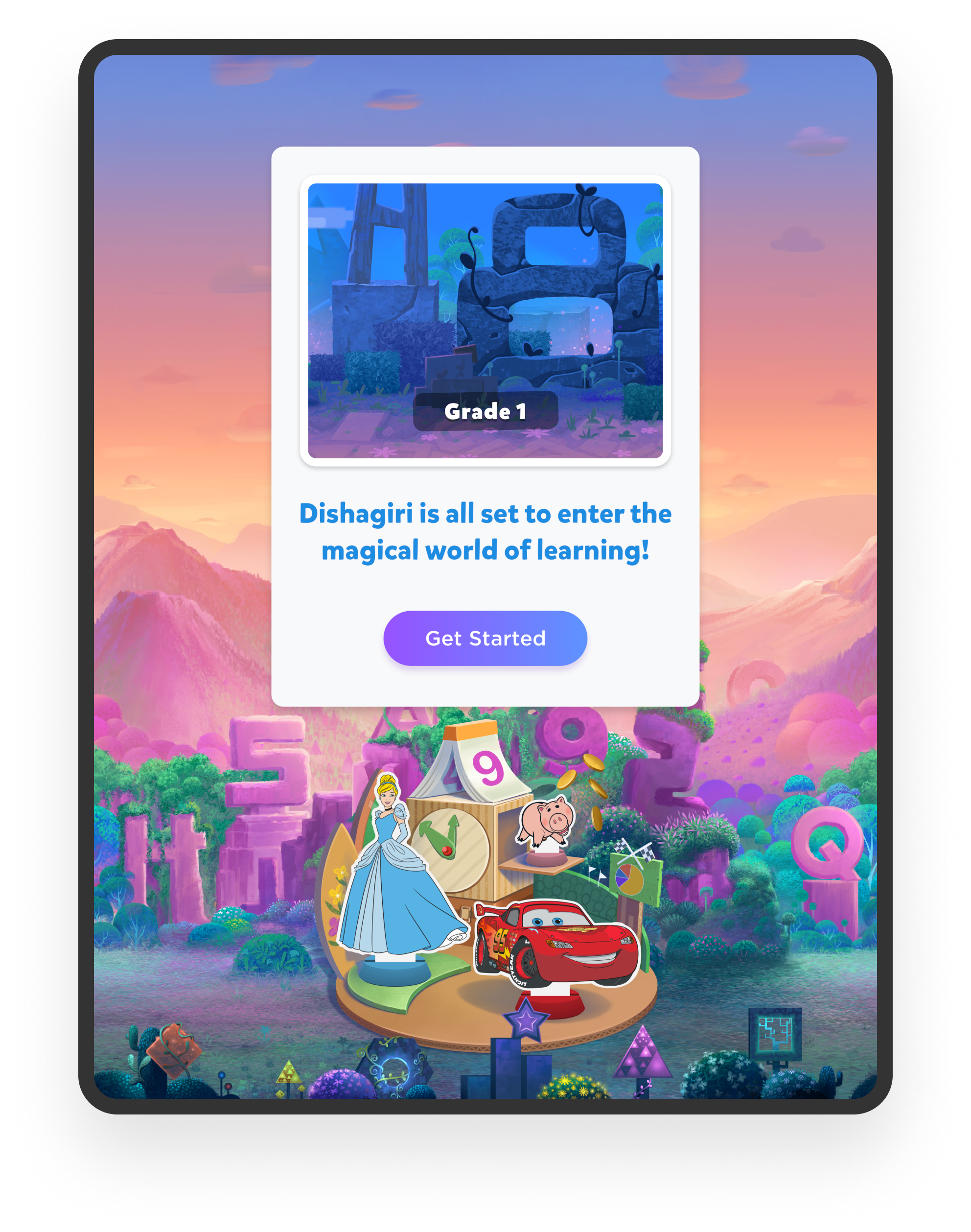
Clear Onboarding

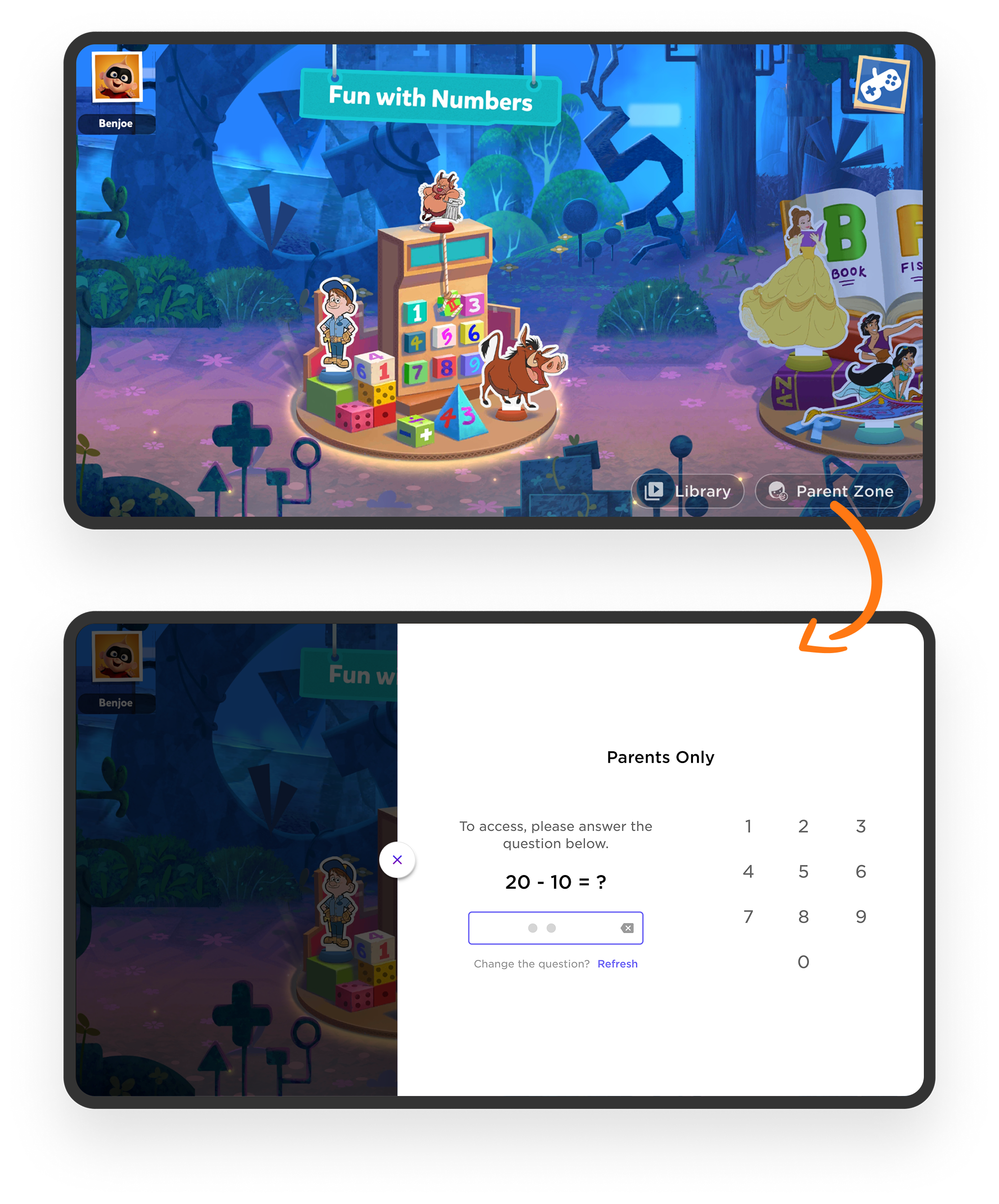
Controlled access via Parent Gateway

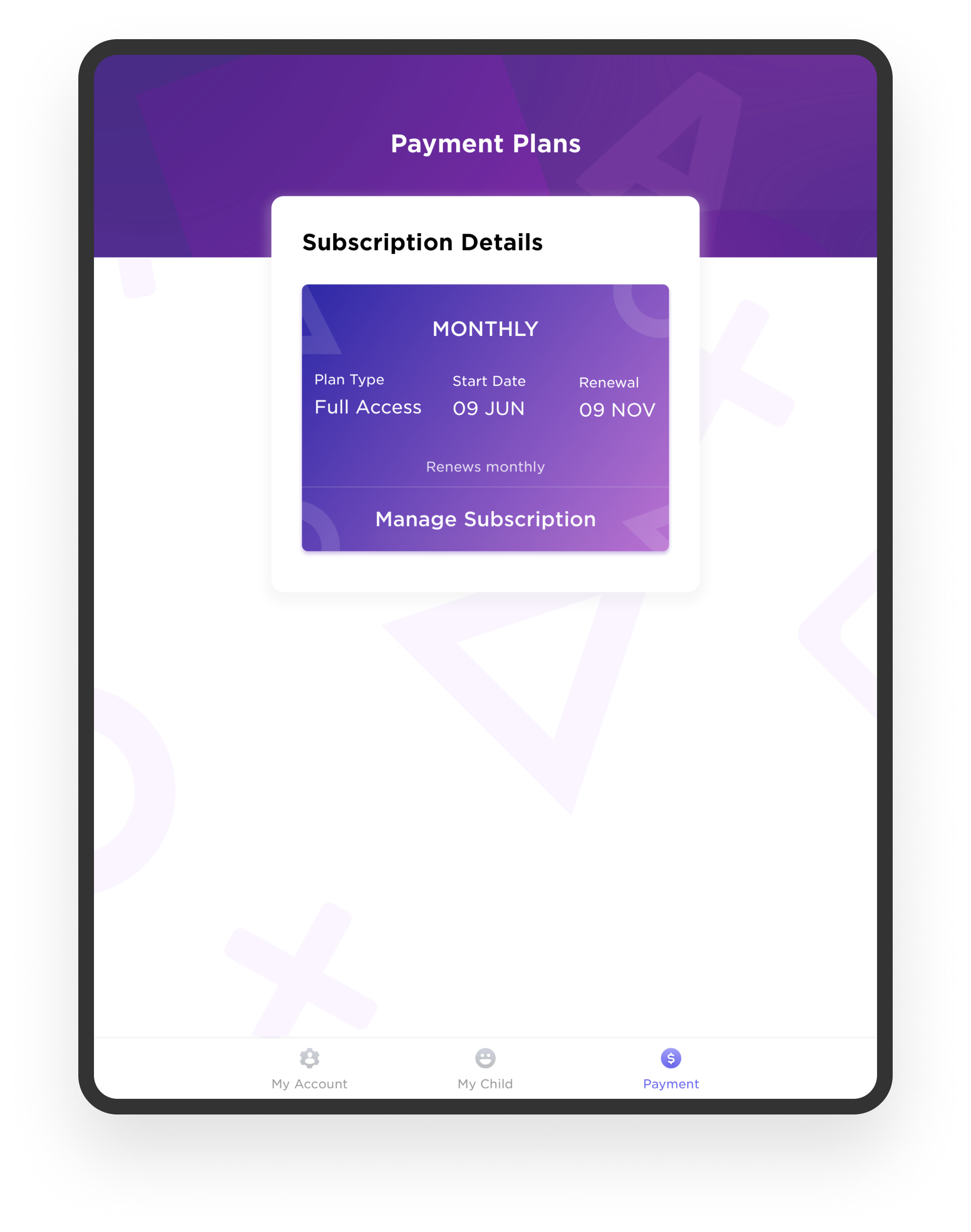
Transparent subscription management

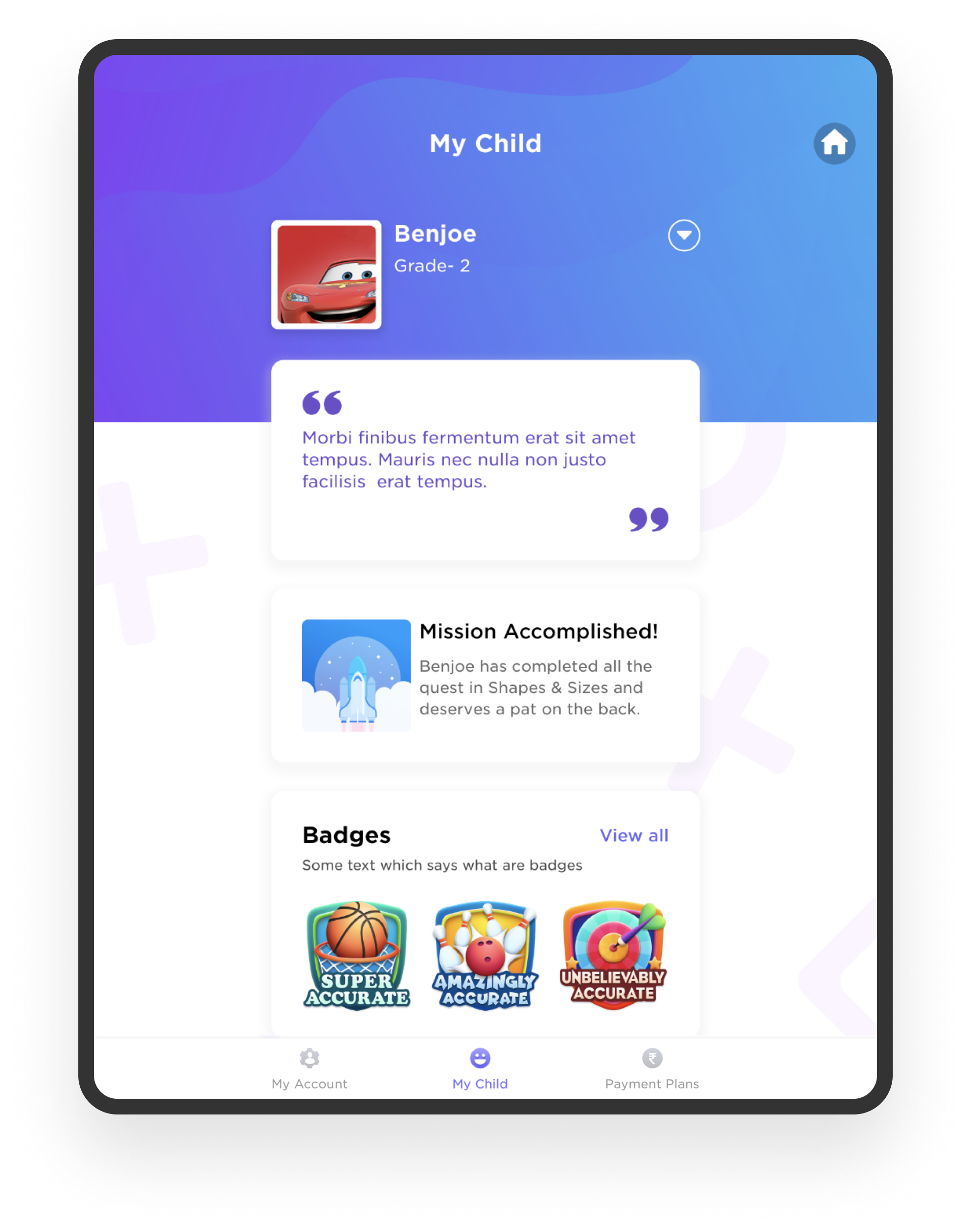
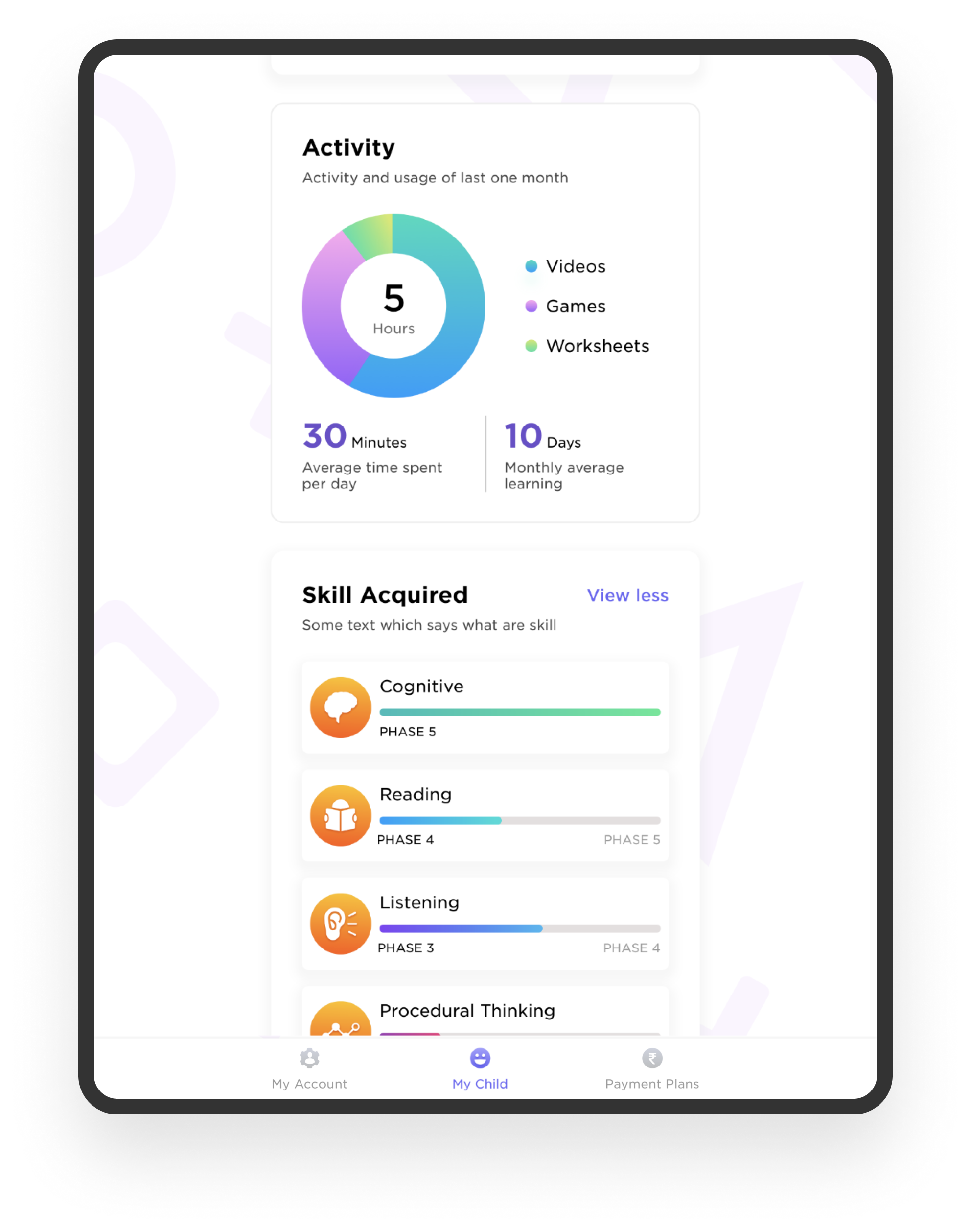
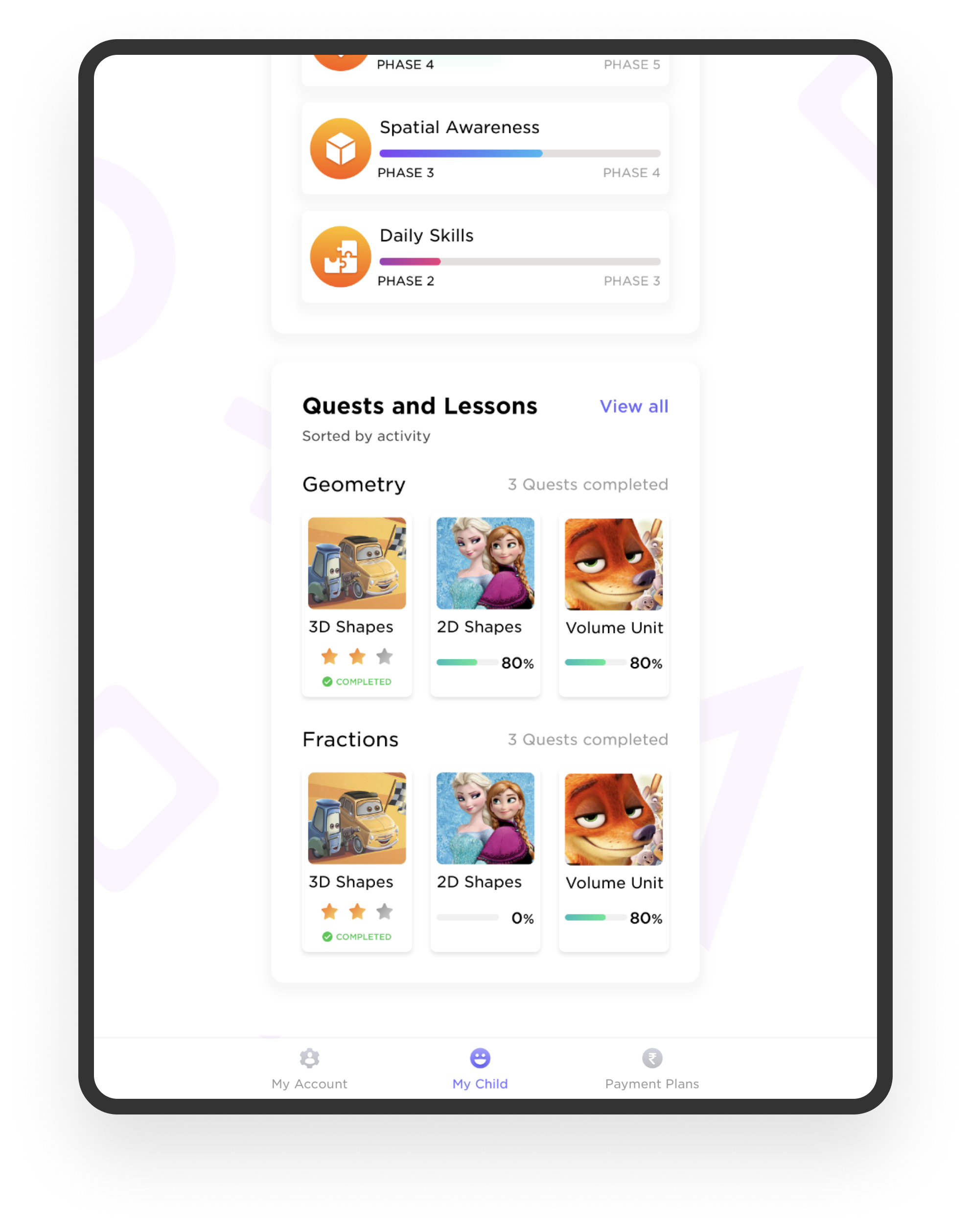
Visible learning progress
Parent-facing UI followed BYJU’S brand language and prioritized clarity and legibility.
Parent Onboarding & Child Profile Setup:
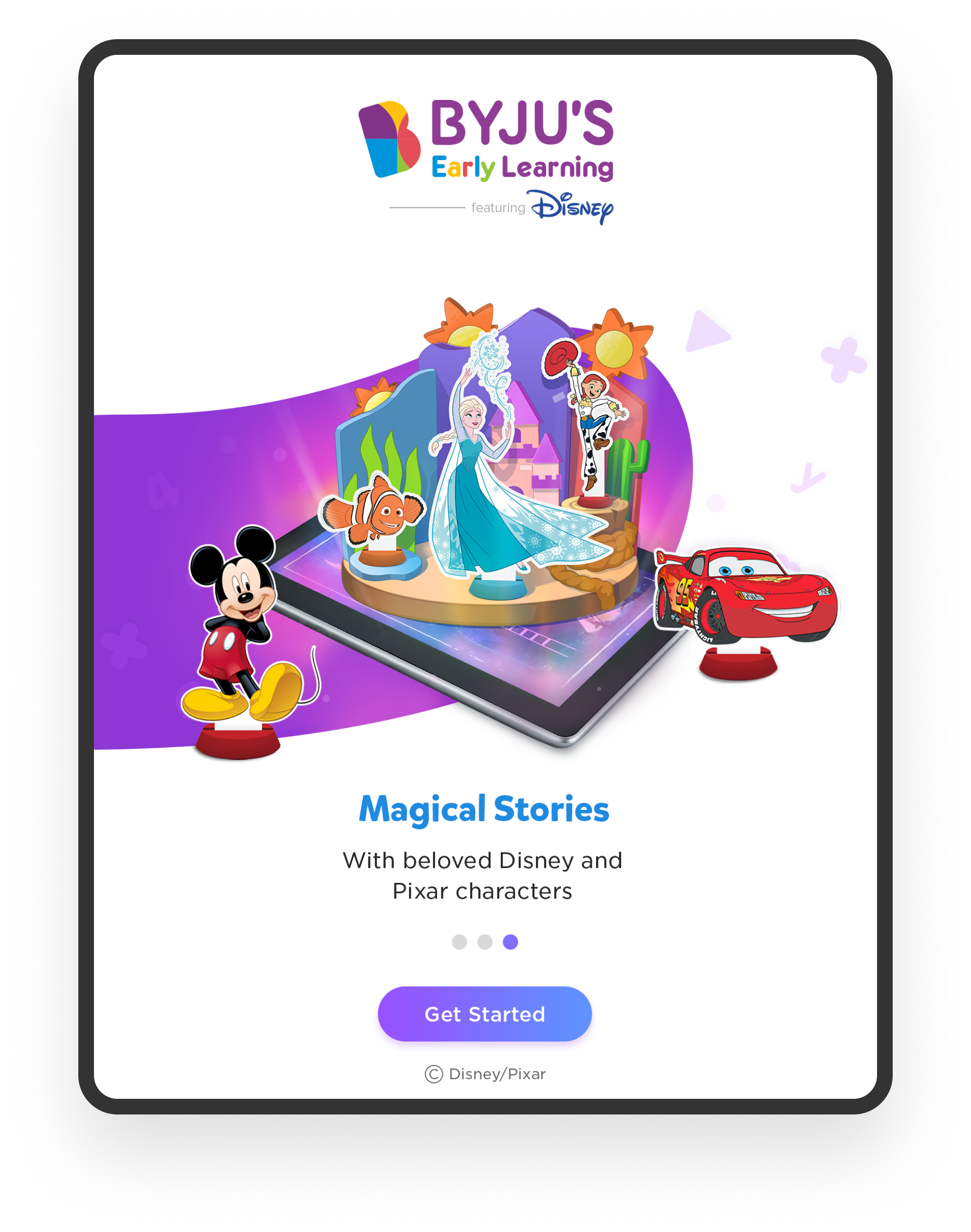
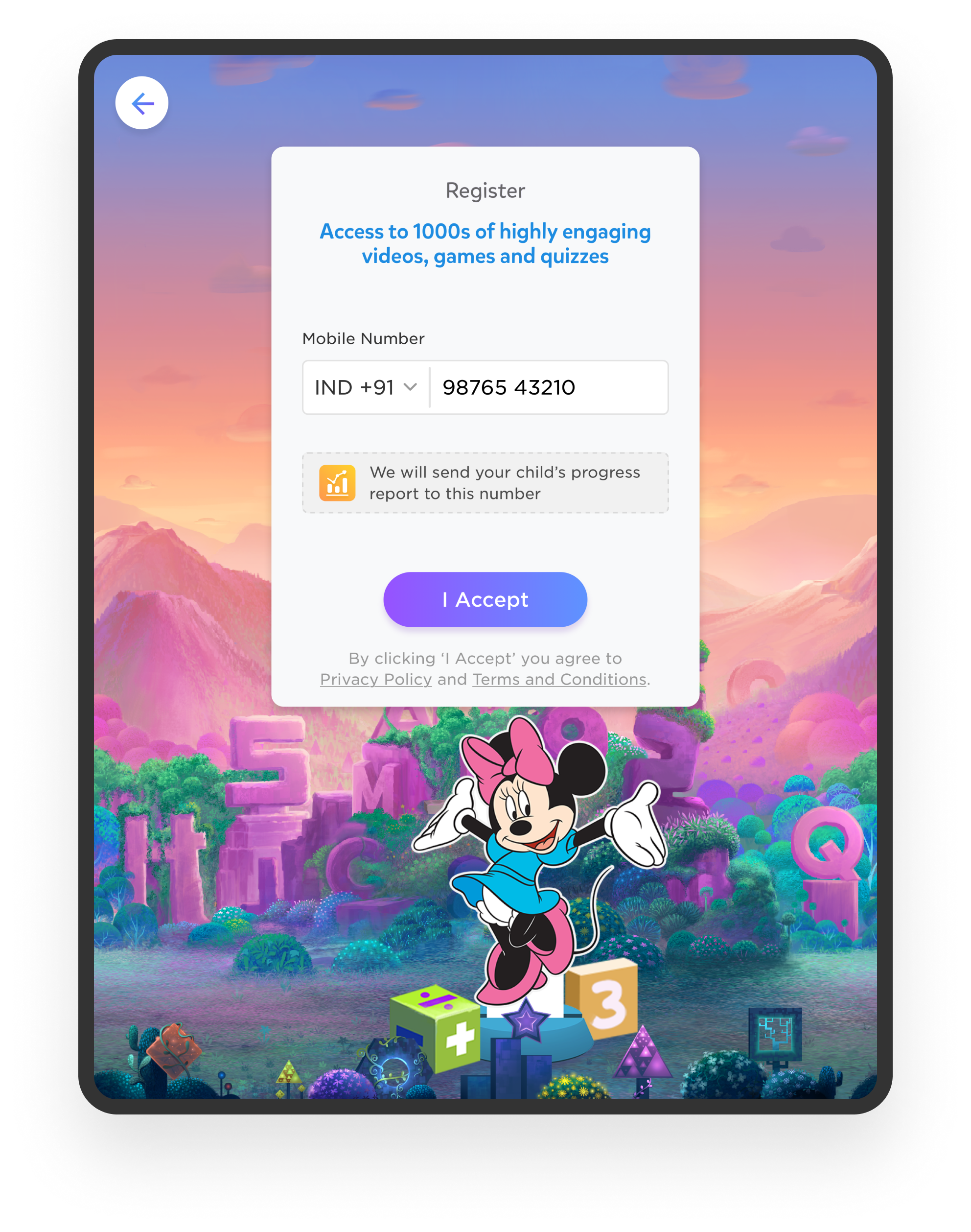
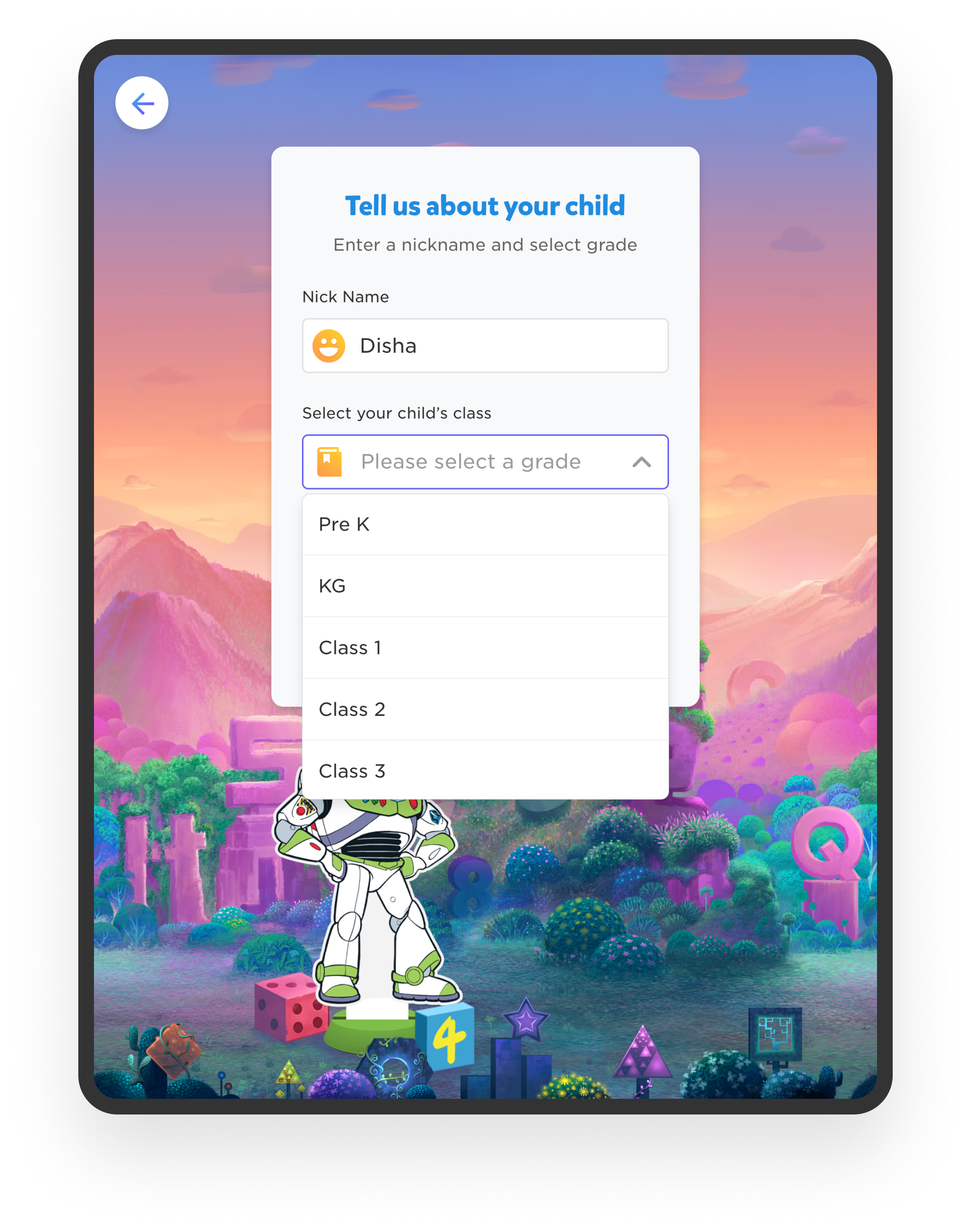
Parents control access & subscription
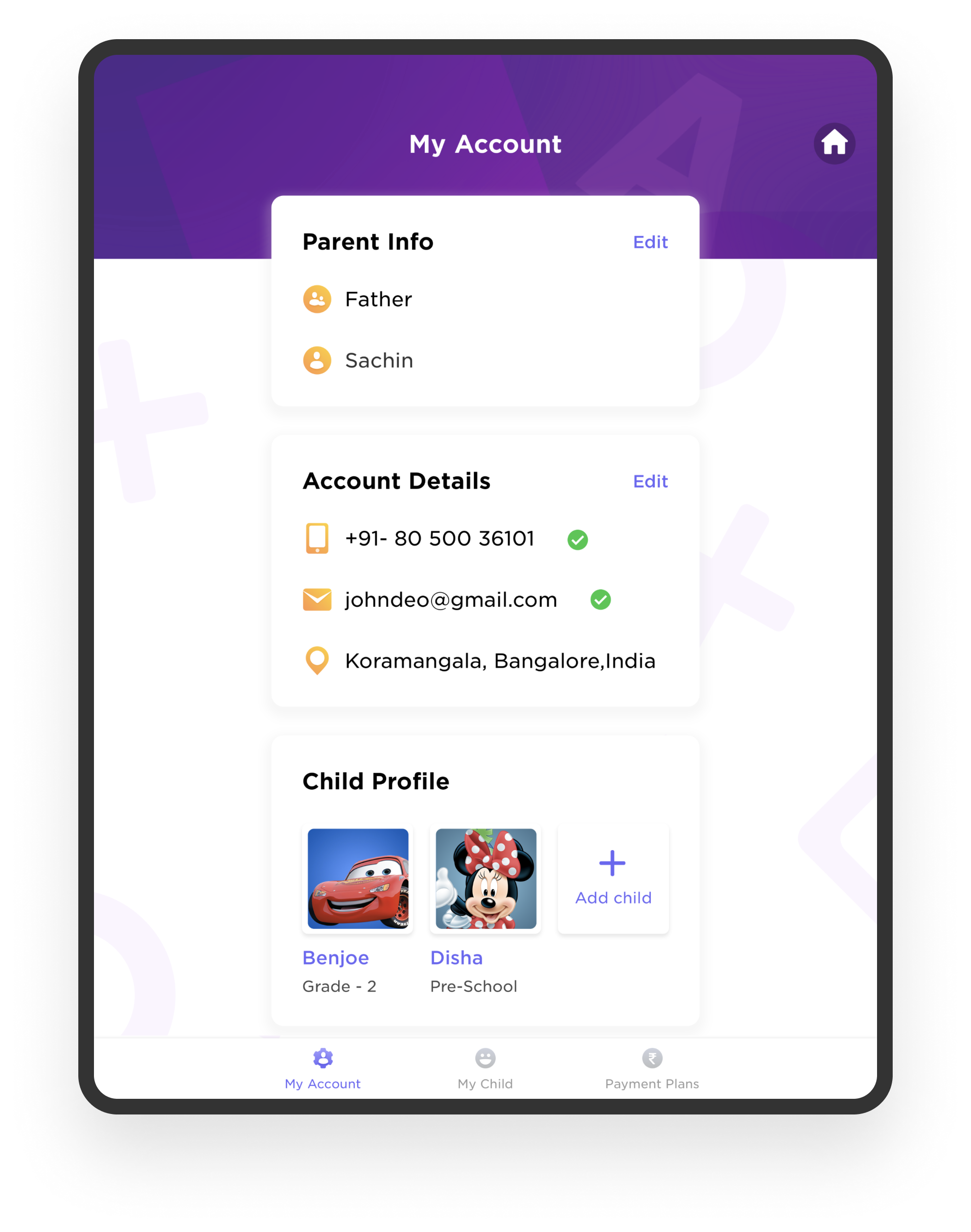
Progress Tracking
Designing the Child Experience
The child experience required a completely different design language.
Core Principles
“I can’t break it.”
No dead ends. Safe exploration. Predictable patterns.
“Show me what I can do.”
No inaccessible features shown to child.
“I learn by doing.”
Interactive tasks over passive viewing.
“Let me feel ownership.”
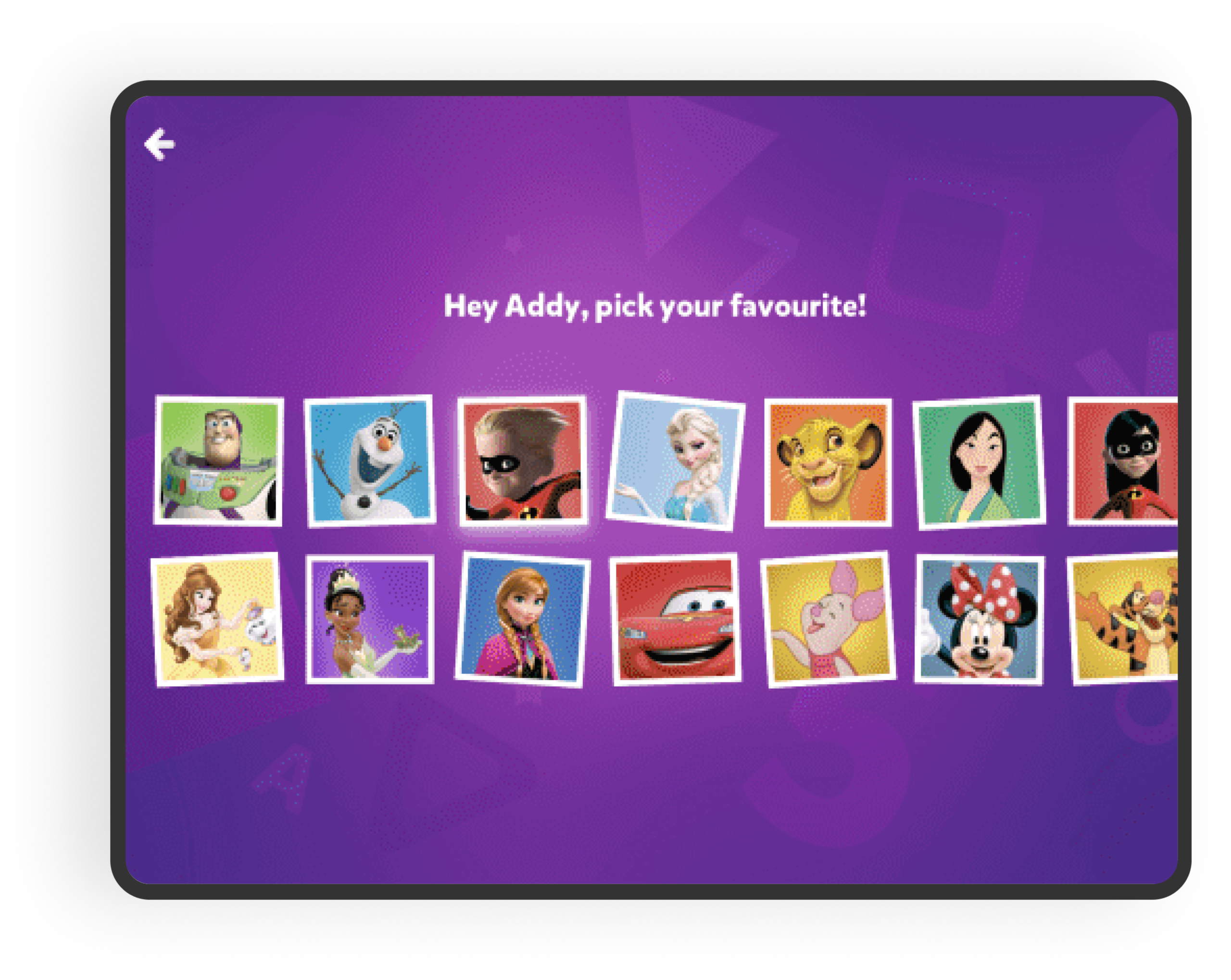
Character-based profile selection with Disney IP.
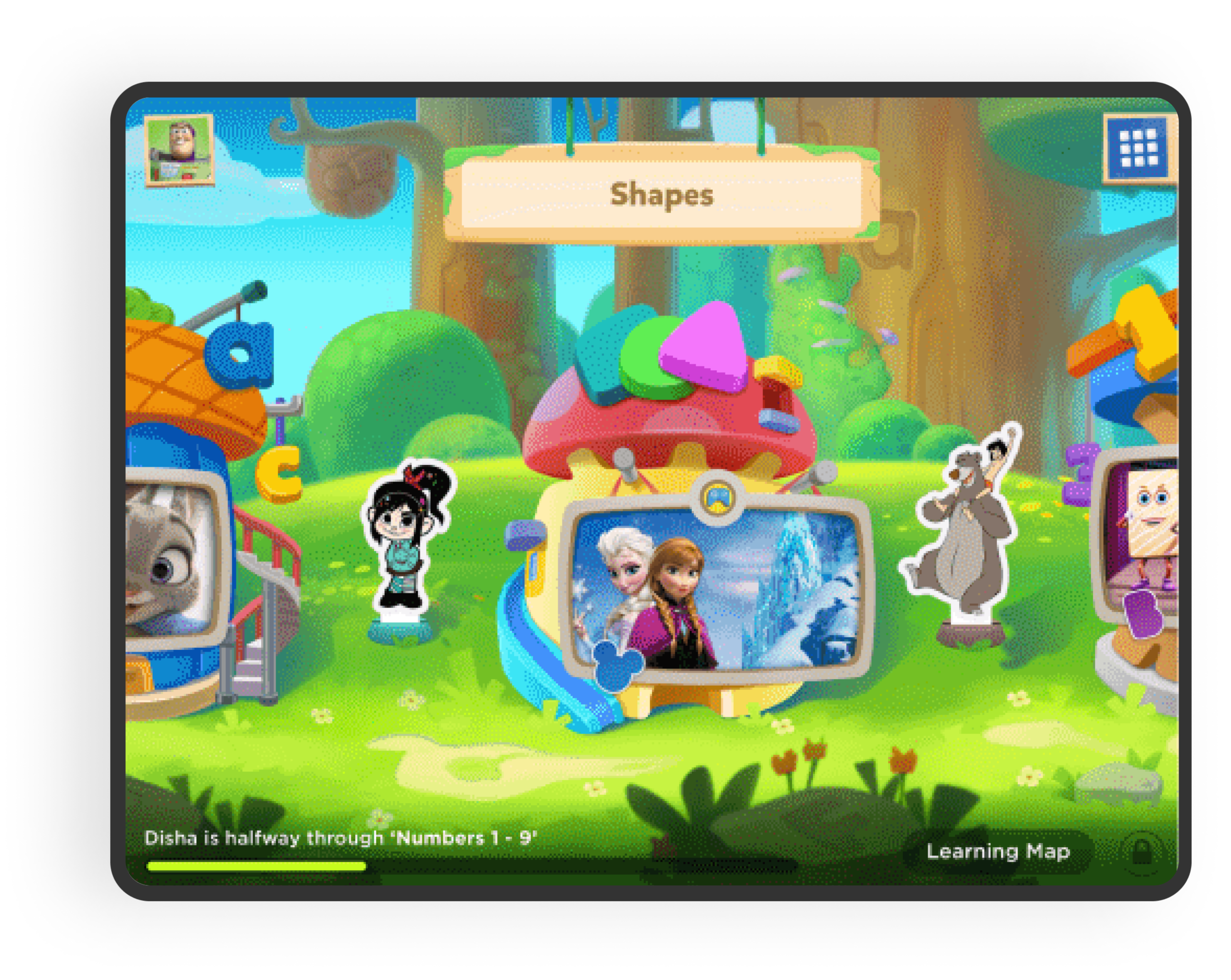
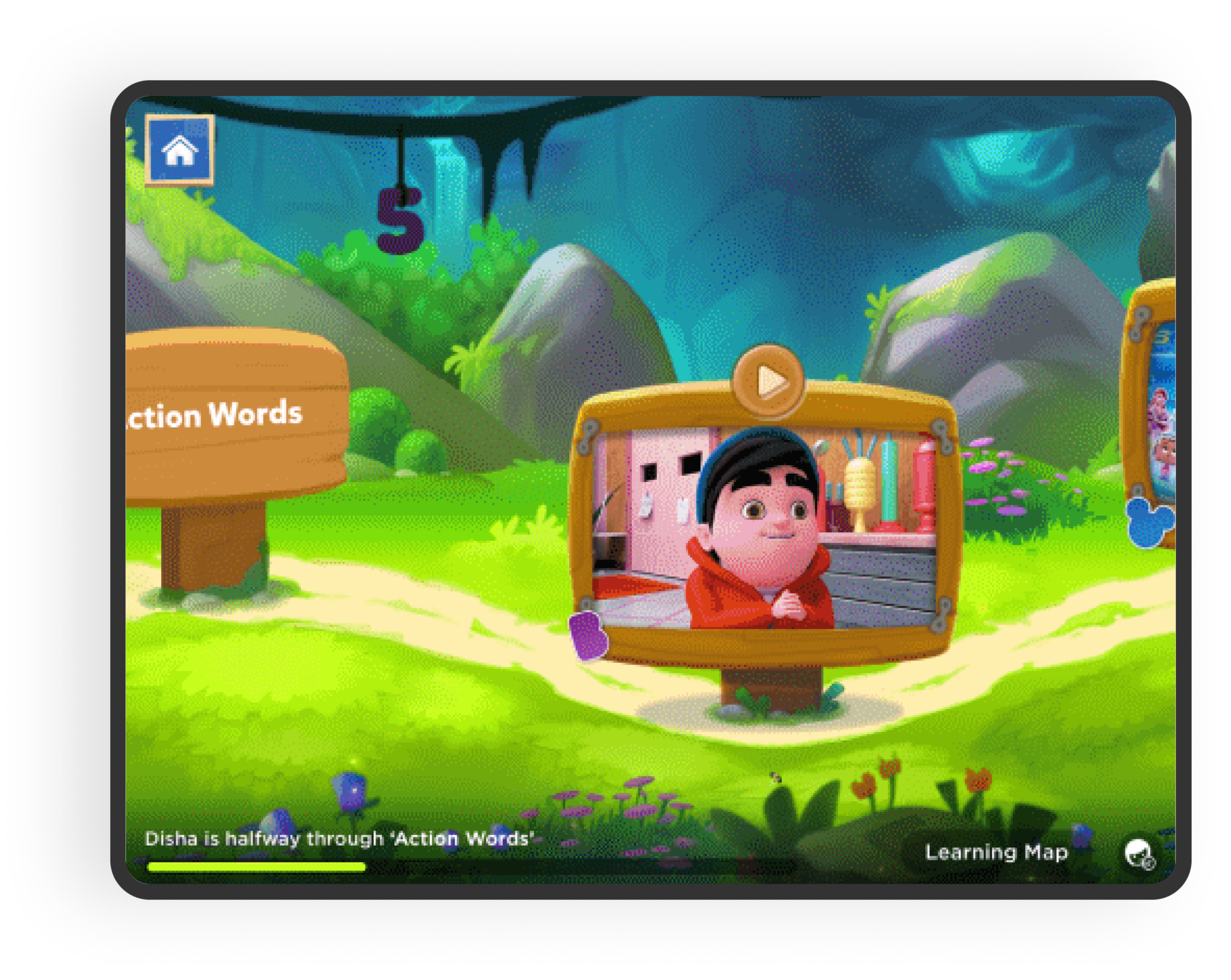
World Map Navigation
Instead of hierarchical menus, we designed a world map structure:
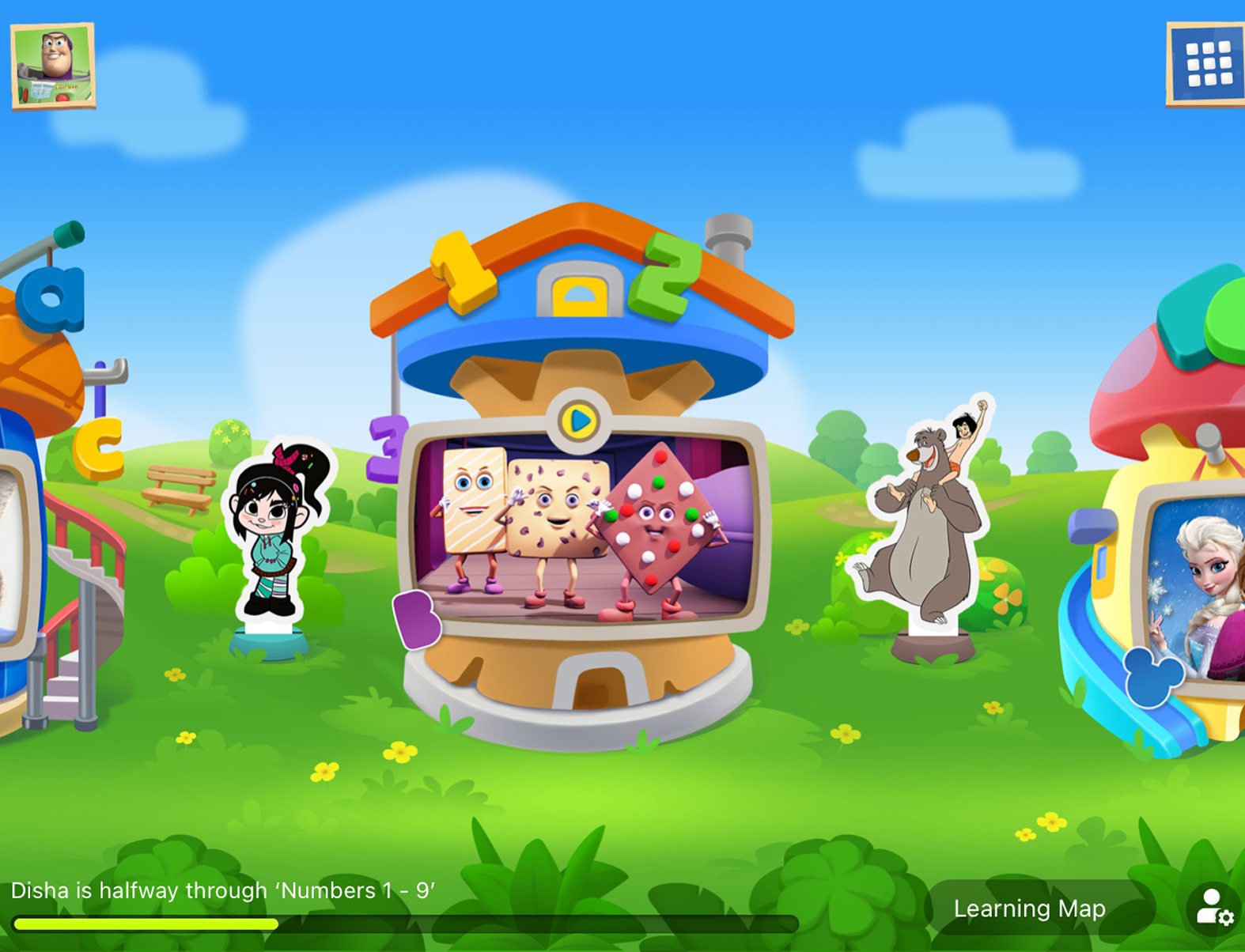
- Visual navigation through quests
- Minimal text dependency
- Repeated interaction patterns
- Clear spatial memory cues
I worked closely with UX Lead and Game Designers to refine interaction patterns and ensure consistency across flows.
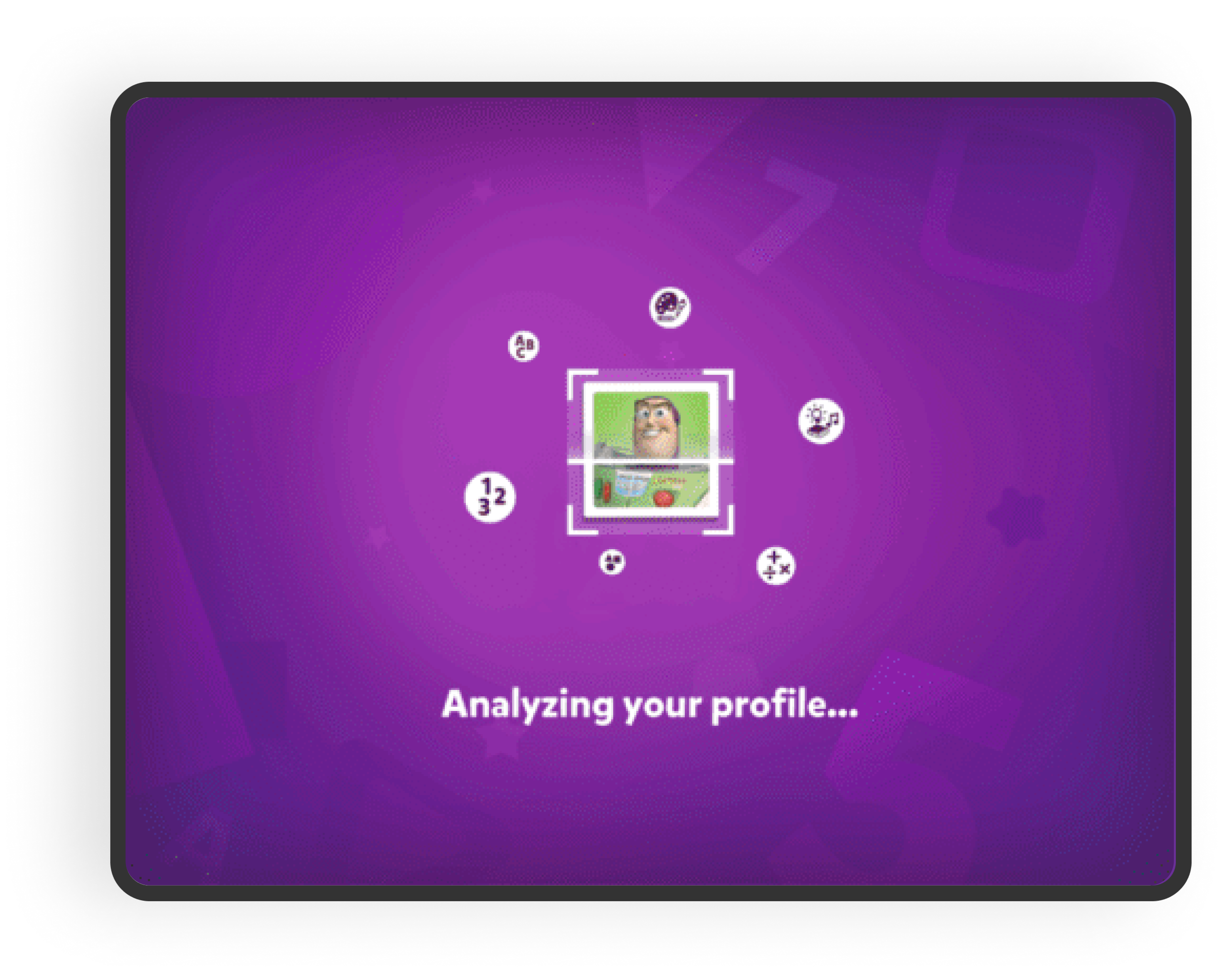
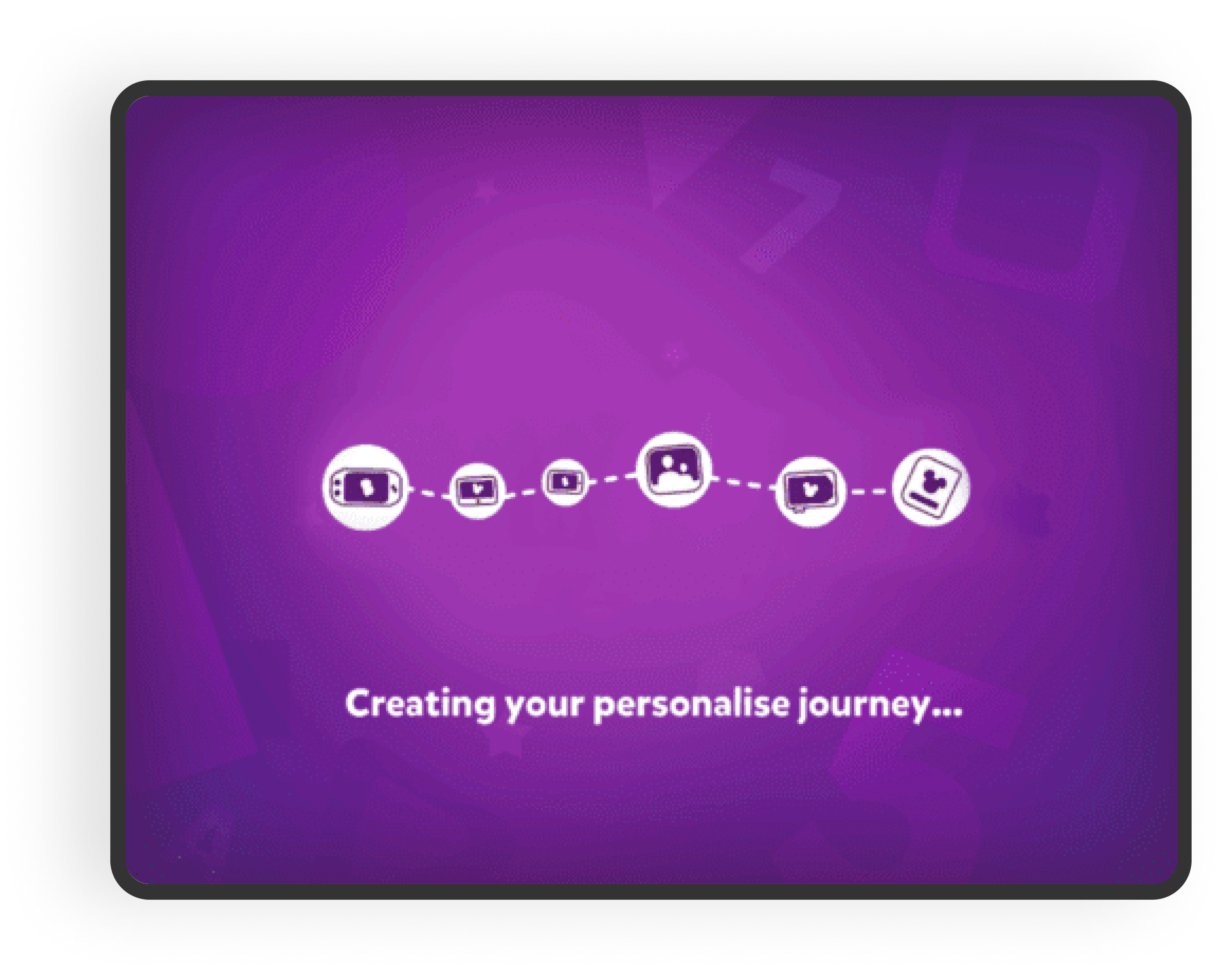
Child Onboarding
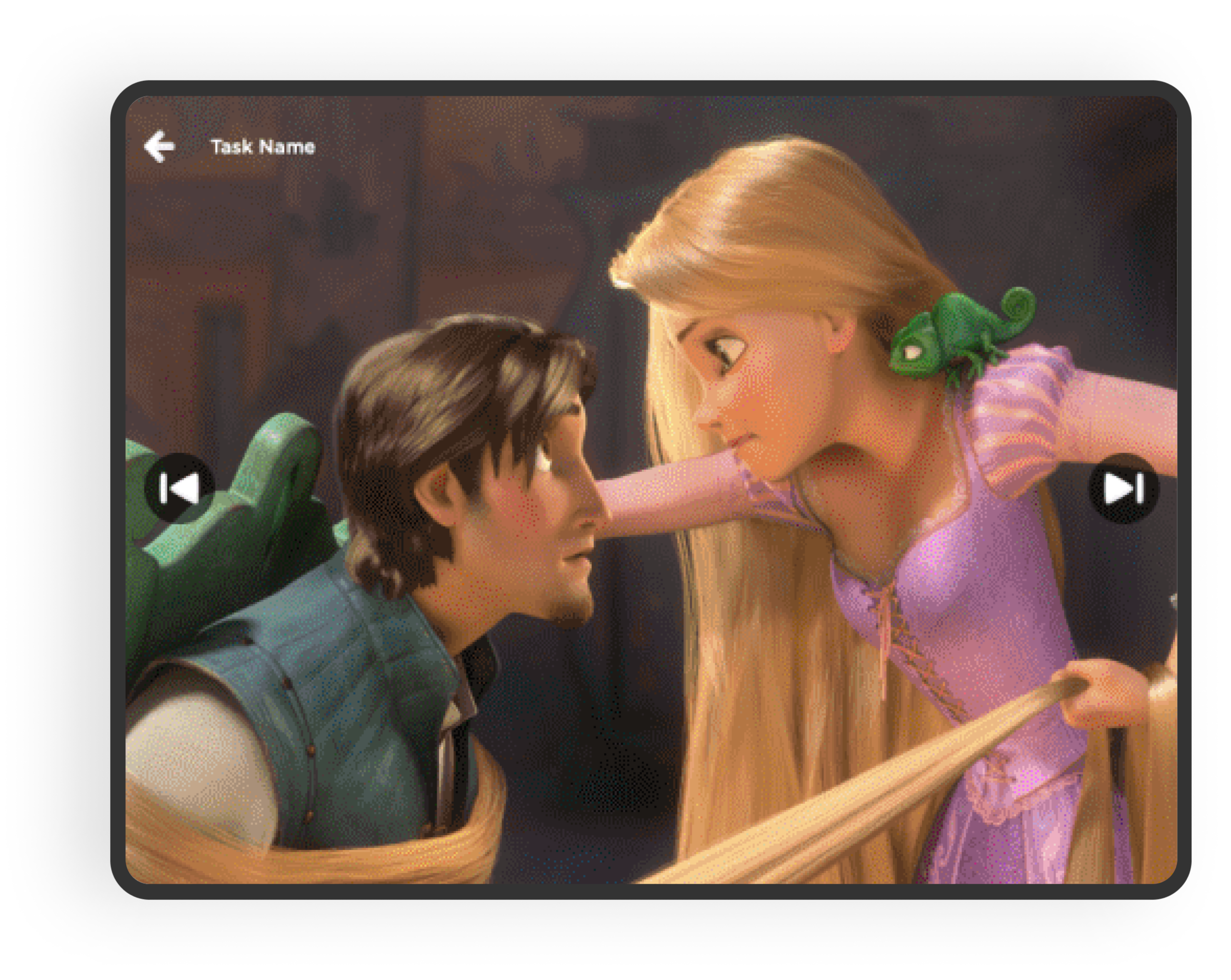
Child Learning
Visual & Interaction Strategy
For Children
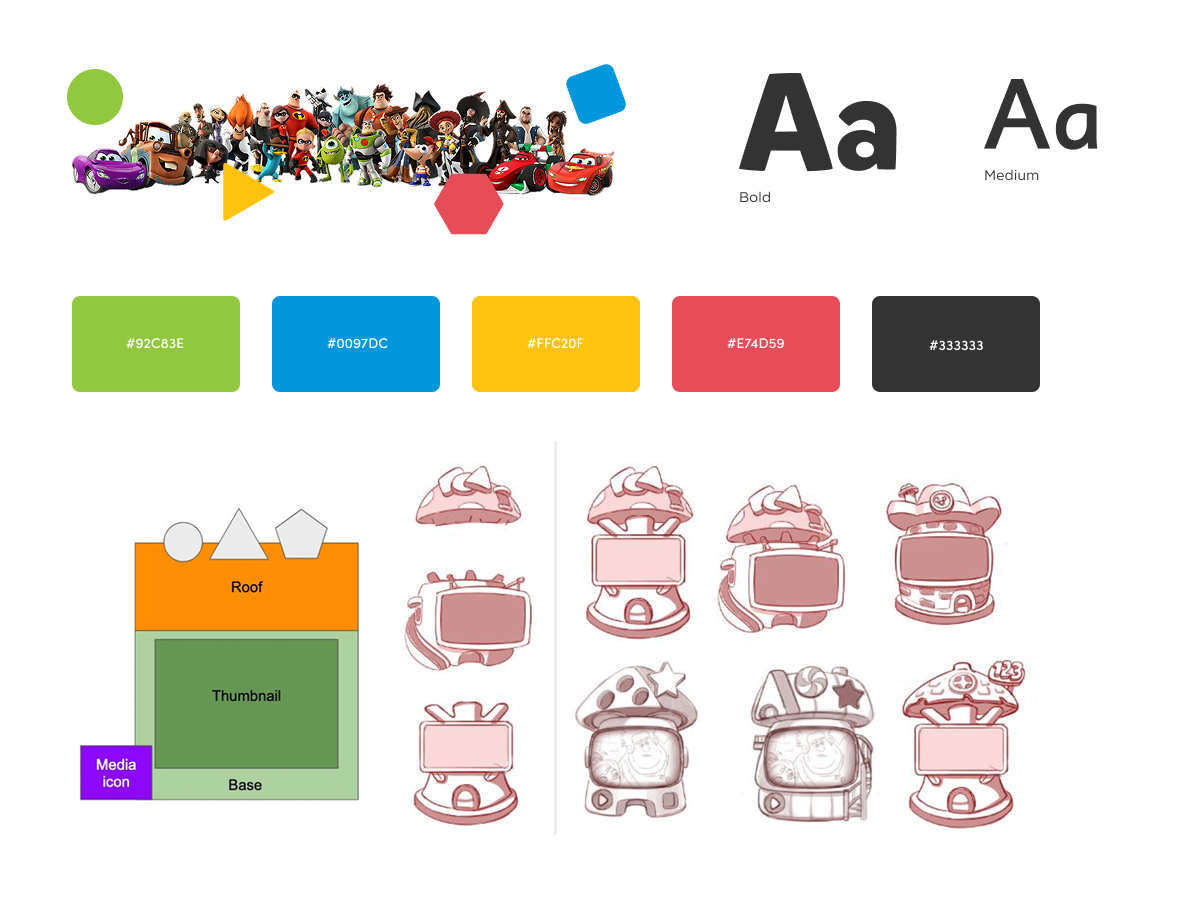
- Bold primary colors
- High contrast interactive elements
- Dyslexic-friendly typography
- Recognizable Disney characters
- Large tap targets
For Parents
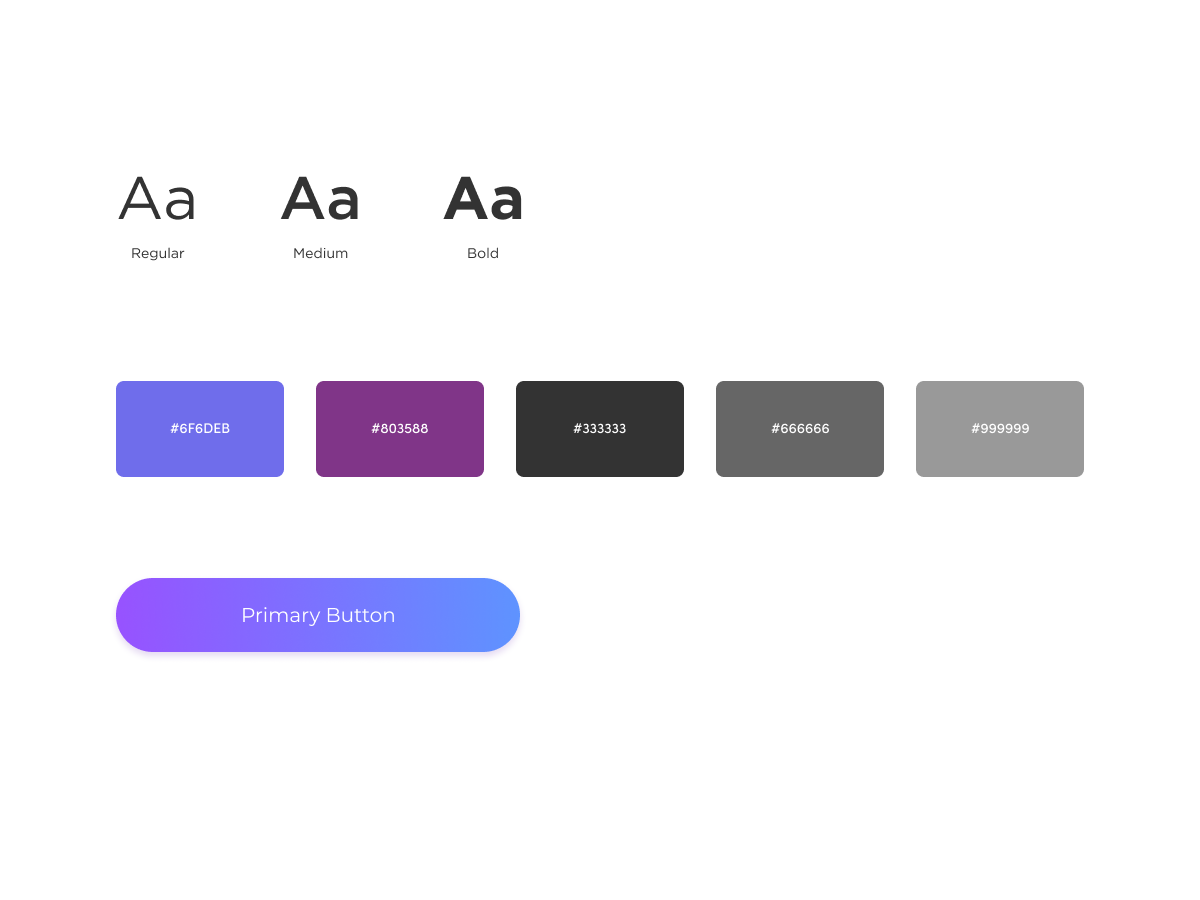
- Portrait-first layout
- Structured information hierarchy
- Brand-consistent colour palette
- Clear subscription visibility
My Contribution
As Senior Product Designer, I:
- Defined interaction patterns for child world navigation
- Designed high-fidelity UI across key flows
- Participated in user testing with children & parents
- Iterated designs based on cognitive age insights
- Collaborated closely with Disney India to align IP usage
- Worked with Product & Engineering on feasibility constraints
- Contributed to design documentation and system consistency
Impact
4.6 Play Store rating, 1M+ users
launched into a segment with no prior usage data or established UX patterns for preschool-aged children in India.
Established a dual-user design system
the parent/child split (separate interaction languages, navigation models, and trust systems) became the foundational UX framework for the product.
Designed with no safety net
no prior data existed for 3-8 year old digital learners in India. Research, usability testing, and iterative design with children directly informed every interaction pattern shipped.
World Map navigation replaced conventional menus
a deliberate structural decision to eliminate hierarchy for young users, enabling spatial memory-based navigation that reduced cognitive load and dead ends.
Disney IP integration without compromising usability
collaborated directly with Disney India to adapt licensed characters within interaction patterns rather than just visual decoration, maintaining both brand integrity and child-appropriate usability.
Reflection
Designing for children is fundamentally different from designing for adults.
This project strengthened my ability to:
- Simplify systems without oversimplifying learning
- Design for cognitive development stages
- Balance brand constraints with usability
- Collaborate within large cross-functional teams
- Think beyond screens and consider behavioural patterns
It reinforced that great product design adapts to the user’s cognitive world, not the designer’s assumptions.
Let’s build thoughtful, scalable products.
Open to senior IC and design leadership roles. If you're building something interesting, let’s talk.
📱 +91 9847580241
📄 Resume
Elsewhere:
© 2026 Sooraj. Designed with intention.